Docs/Deploy your site
Deploy your site
Publish your site in one click and get a live URL instantly.
How it works
When you click the rectangular Publish button in the Studio top bar, Codunk compiles your site and uploads it to our global CDN (Cloudflare). Your site is live in seconds.
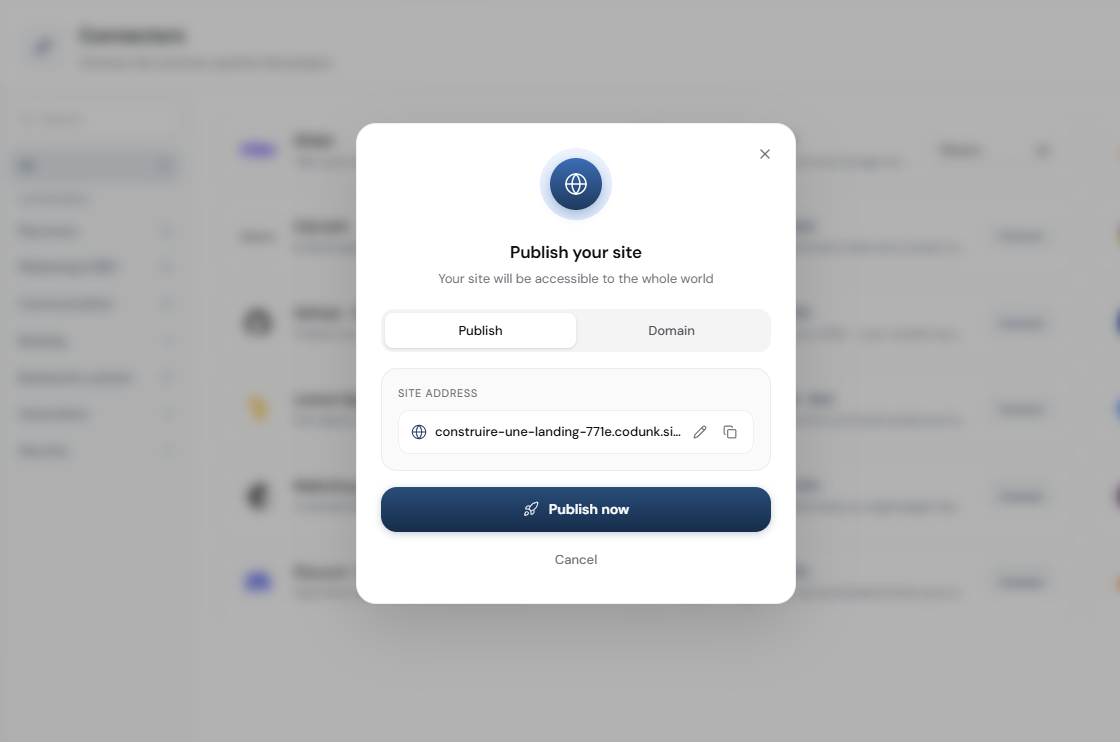
Free subdomain
Every site gets a free subdomain: your-site-name.codunk.site. You can customize the slug (the part before .codunk.site) in the publish modal by clicking the pencil icon.
Updating your site
Just click Publish again after making changes. The new version replaces the old one at the same URL. There is no downtime.
Sharing before publishing
Use Share when you want to send or collaborate on the project before publishing the final site. Publish is for going live; Share is for giving someone access or a project link.
Deploy speed
Most sites deploy in 10-30 seconds. Larger sites with many files may take up to a minute.
💡 Want your own domain name? See Custom domains.