Docs/Connectors
Connectors
Connect real services to your generated site — no server-side setup, everything happens in the Studio.
Each connector is configured from the Connectors panel in the Studio's top bar, project by project. You paste your own credentials — nothing lives on Codunk's servers as an environment variable, and no code deploy is needed to add or remove one.
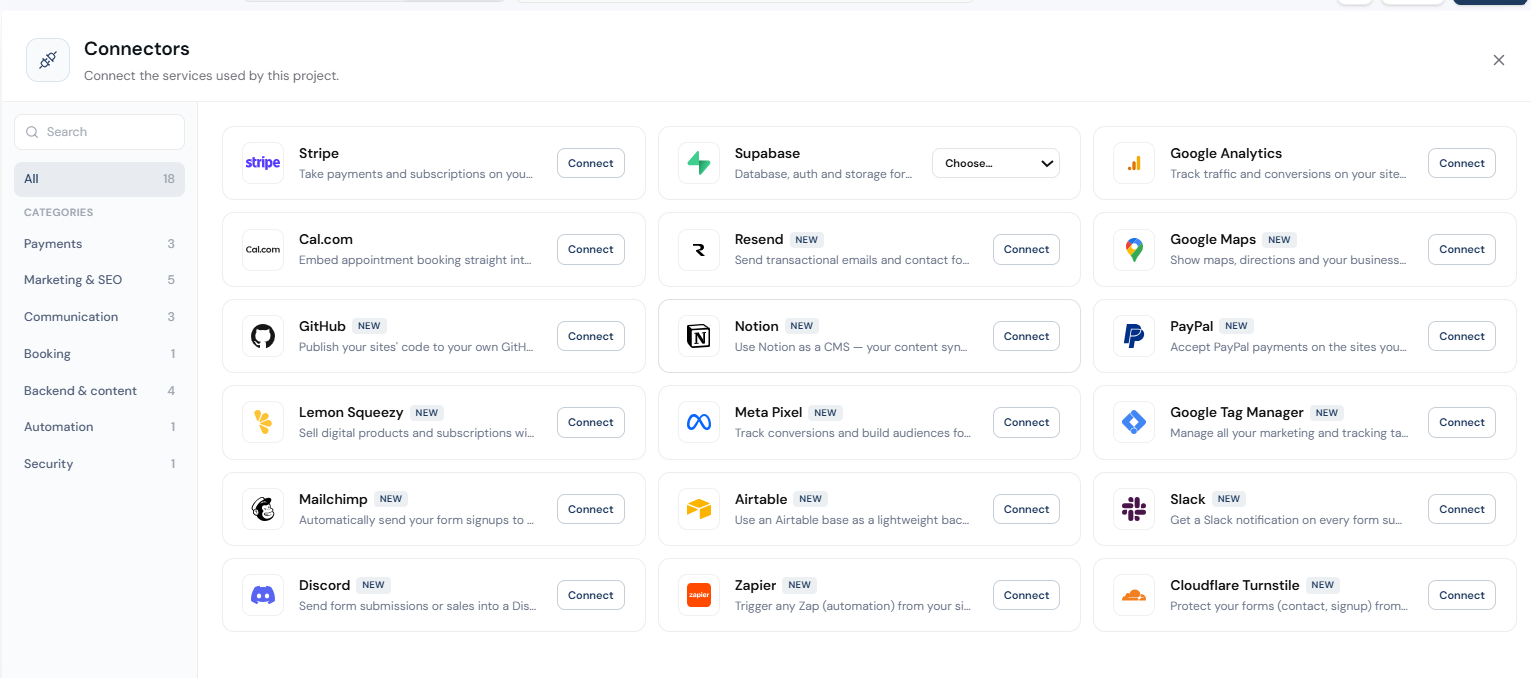
Available connectors
| Connector | What it asks for |
|---|---|
| Stripe | Publishable key + secret key |
| Supabase | OAuth, or project URL + anon key |
| Cal.com | Username / booking link |
| Google Analytics | Measurement ID (G-XXXX) |
| GitHub | OAuth (GitHub App) |
| Meta Pixel | Pixel ID |
| Google Tag Manager | Container ID (GTM-XXXX) |
| Google Maps | API key |
| PayPal | Client ID + secret, sandbox/live |
| Lemon Squeezy | API key + store ID |
| Mailchimp | API key + audience ID |
| Resend | API key + sender email |
| Notion | Internal integration token + database ID |
| Airtable | Personal access token + base ID |
| Slack | Incoming webhook URL |
| Discord | Channel webhook URL |
| Zapier | Catch Hook webhook URL |
| Cloudflare Turnstile | Site key + secret key |
Security
Credentials you paste are encrypted at rest. Only Supabase and GitHub also support signing in via OAuth instead of pasting a key directly.
💡 The dashboard's Integrations page is informational only — actual connections happen inside each project's Studio, not from the dashboard.