Docs/Exporting your code
Exporting your code
The code you generate is yours — export it as a ZIP or push it to GitHub, free on every plan.
From the Studio's Code view, click Download to open the export modal.
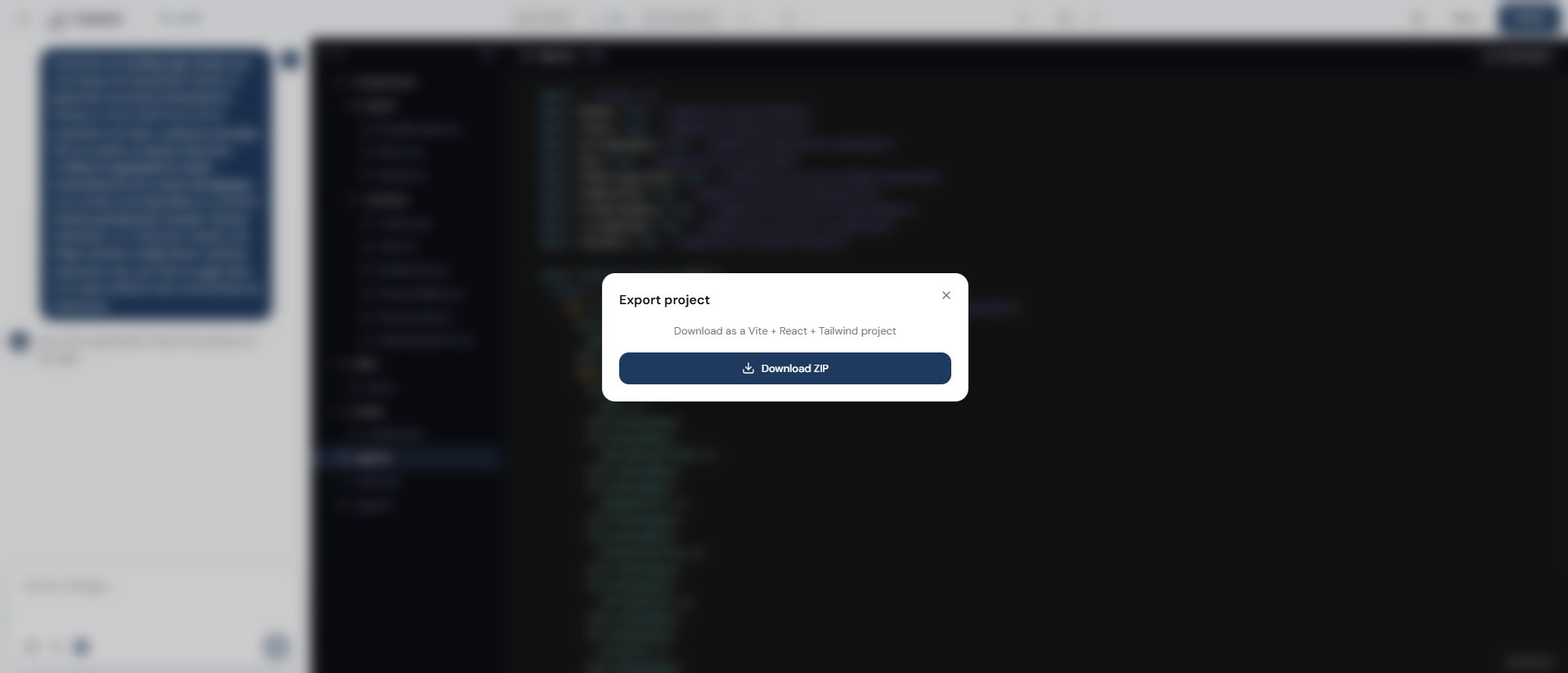
ZIP export
Generates a standalone Vite + React + TypeScript project. Unzip it, then:
npm install
npm run dev
You'll be asked to confirm before the download actually starts.
GitHub sync
Connect your GitHub account (OAuth, via a GitHub App — not a personal access token), pick an existing repository, then click Sync now whenever you want to push the current state of the project.
💡 Sync is always manual — nothing is pushed automatically after a generation. And the GitHub App can't create a new repository for you: create it on GitHub first, then select it in Codunk.